
Warranties
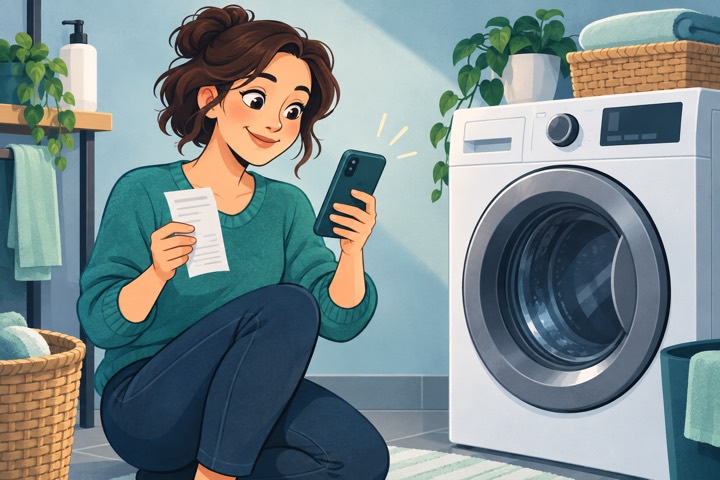
The washing machine stops
Anna immediately finds the receipt, model, and warranty expiry instead of searching through drawers and photos.
Visual Memory Assistant
Annual plan: save about 30% compared with monthly
A personal archive for documents, deadlines, lists, budgets, and reminders. Your information stays encrypted on your device and under your control.
Everyday stories
Each section begins with an everyday need: having the right information at the right time saves time and makes the day simpler.
The washing machine stops
Anna immediately finds the receipt, model, and warranty expiry instead of searching through drawers and photos.

The subscription that renews
An alert three months early reminds Paul to decide whether to renew his gym membership.

Monday’s dentist visit
Julia dictates the date and time, adds a photo of the referral, and receives the alert she chose.

The passport number
At the rental desk, Sarah finds the reference she needs in seconds.

What was the license plate?
Make, model, plate, and vehicle photos stay together in one entry.

The boiler filter
Mark saves the filter model, size, and photo; the next service goes into Deadlines.
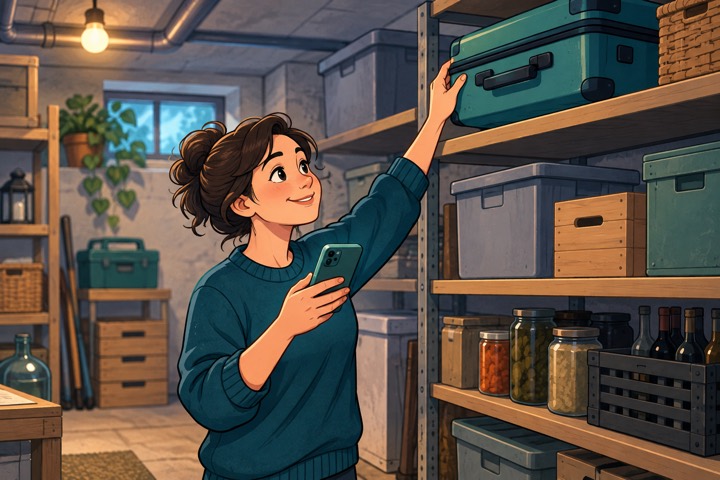
Where did I put the suitcase?
“Cellar, top shelf”: six months later, a search for suitcase is enough.
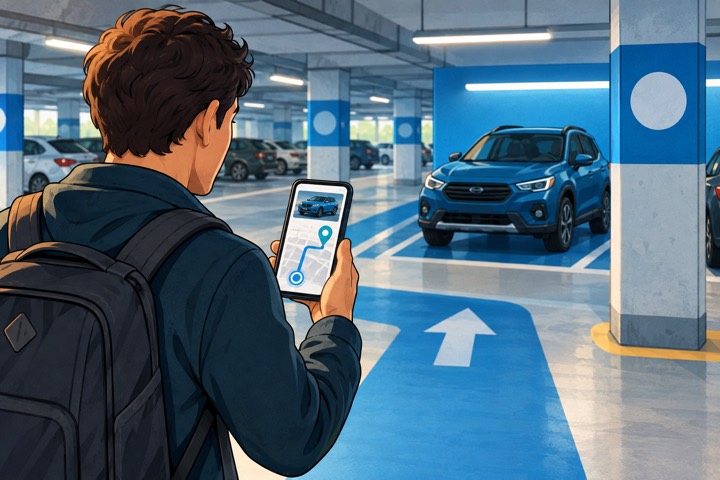
The blue area
Luke saves the floor, area, photo, and position, then opens the route back in Maps.

Ready to go
Suitcase or backpack: Sarah prepares what she needs to bring and checks off each item as she packs it. The list stays ready for the next departure.

Shopping, spoken out loud
“Pasta, milk, and detergent”: the app adds them to sections, ready to check off in the shop.

Expenses under control
Sarah records a 24.50 expense at the supermarket: amount, date, and category stay in the history, and the monthly budget updates immediately.

Dinner paid by Marco
Marco advances 30 euros for everyone; the group sees the balances and shares the summary.
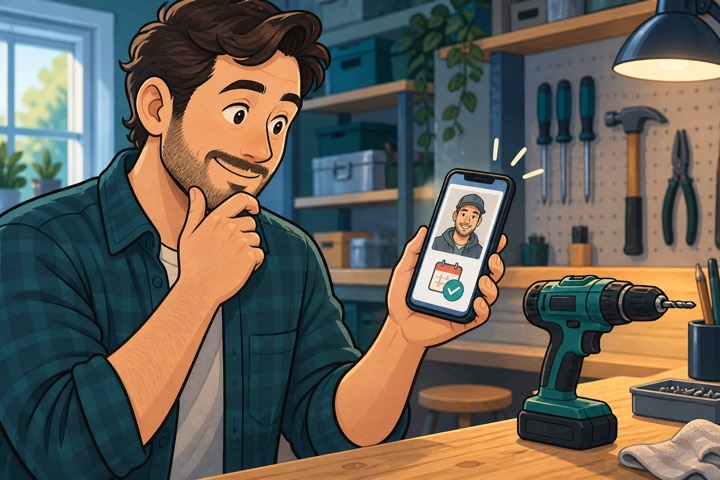
The borrowed drill
A photo, a name, and a reminder keep the item from being forgotten.

Luna’s microchip
Her identification reference and photos stay in one entry; vaccinations and visits get their own reminders.

The recommended plumber
A business-card photo becomes a useful contact, with a note about who recommended them.

That recommended film
Elena saves the title and who suggested it, then adds her rating after watching.

The drawer to tidy
A small task does not disappear among notes: it stays visible until completed.

Two weeks in summer
Sarah sets her annual leave allowance and the days carried over from last year. She selects two weeks on the calendar and sees how many working days remain, including half days and excluded public holidays.

The time between sets
After finishing a set, Luke starts 30 seconds or 1 minute of recovery. The countdown tells him when to begin the next set.

Three pans, three times
Pasta, vegetables, and dessert run together, each with its own timer and final alert.

A discreet estimate
Dates stay encrypted on the phone and the app provides an on-device estimate with discreet reminders.
One place, many needs
Visual Memory Assistant brings together information that would otherwise be scattered across apps, notes, and photographs, without creating an online profile.
Documents, warranties, deadlines, vehicles, home, contacts, items, lists, and personal information in clear categories.
Reminders, timers, appointments, household budgets, and shared travel expenses remain in the same archive.
When you choose, you can use dictation, the camera, and on-device text recognition, always checking the result before saving.
A deliberate choice
The app includes no advertising, analytics, telemetry, synchronization, or remote AI. BossMask cannot remotely inspect entries saved in the app. Sharing and backups happen only after your explicit action.